
Instagram Edits App 2026: What It Is for Reels Creators
Instagram Edits is Meta's standalone video editor for Reels creators. See how it compares to CapCut and BlitzCut, and whether it's worth using in 2026.


Instagram Edits is Meta's standalone video editing app, launched in 2025 as a direct response to CapCut. It's free, has no watermark, integrates tightly with Instagram for Reels publishing, and includes auto captions, trending audio, and basic AI tools. It doesn't have automatic silence removal. For talking-head Reels, BlitzCut still handles the critical workflow step that Edits skips.
What Is Instagram Edits?
Instagram Edits is a separate app from Instagram itself, built specifically for video creation and Reels editing. Meta built it to give creators a dedicated editing environment — separate from the Instagram camera — with more control over the editing process before publishing.
It arrived as CapCut's ownership by ByteDance (TikTok's parent company) was becoming a concern for creators who didn't want to depend on a competitor's tools. Instagram Edits gave them an alternative with native Meta integration.
What Instagram Edits Does
Auto Captions
Instagram Edits generates captions automatically from speech. They sync to your audio and can be styled and edited before export. The accuracy is comparable to other AI caption tools on the market.
Captions publish with the Reel or can be embedded in the video file. Both options are available.
Trending Audio and Templates
The app surfaces trending audio from Instagram directly in the editor. You can browse sounds that are performing well on Reels and drop them into your edit without leaving the app.
Templates are available for common Reel formats — synced to music, pre-timed cuts, pre-styled text. Useful for creators who want to match trending formats quickly.
Basic AI Tools
Instagram Edits includes background removal, green screen functionality, and basic AI effects. These are comparable to what CapCut offers in its free tier, though CapCut's effect library is larger.
Draft and Draft Management
One feature creators appreciated immediately: Instagram Edits has a proper draft system. You can save multiple works-in-progress, come back to them, and manage a queue of Reels without losing work.
Direct Publishing to Reels
Edit in Instagram Edits, publish directly to Instagram with full caption, hashtag, and scheduling options. The workflow stays inside Meta's ecosystem end-to-end.
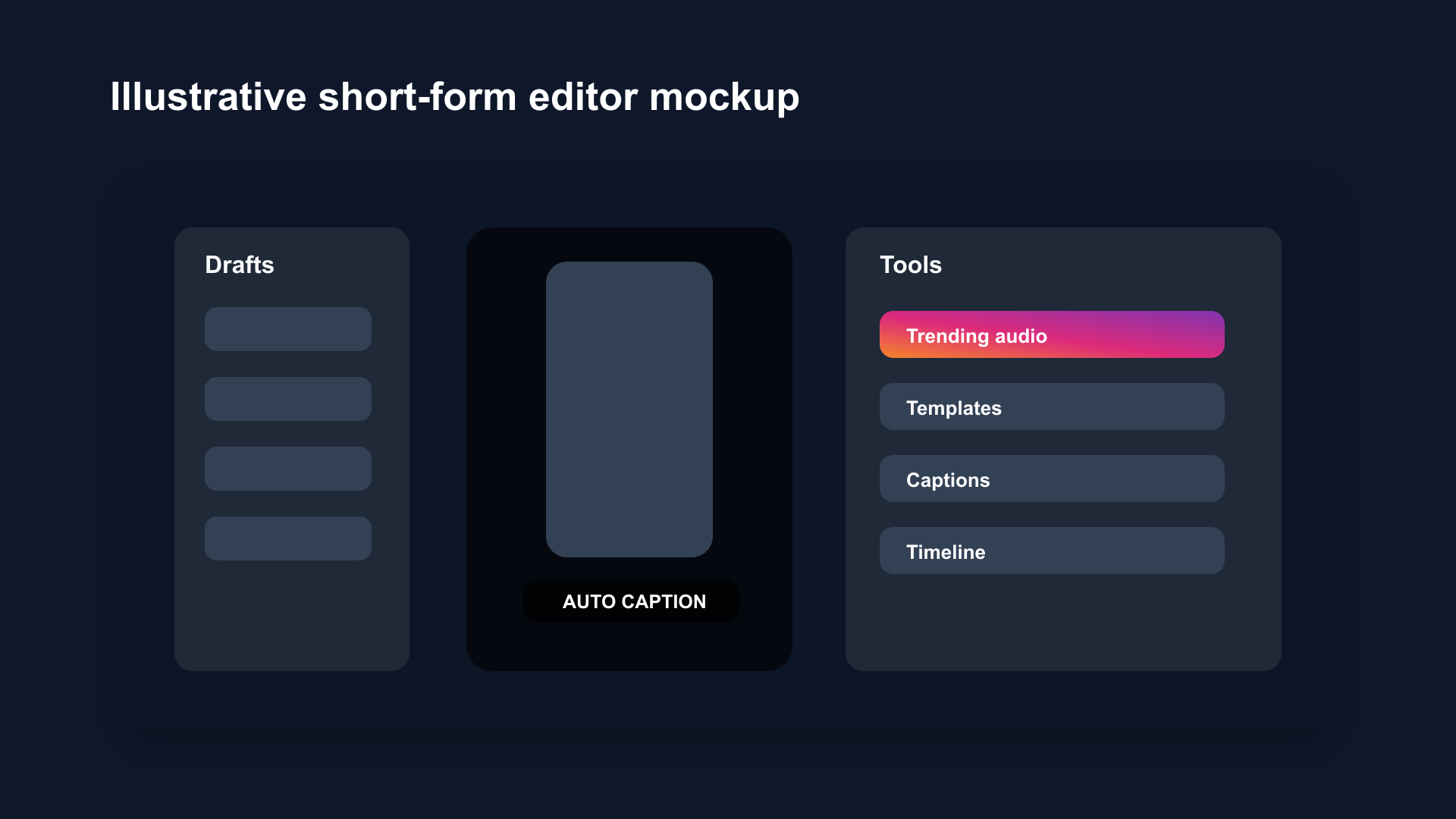
Illustrative short-form editor mockup based on the Instagram Edits workflow: trending audio, templates, auto-captions, and multiple drafts in one workspace.
What Instagram Edits Doesn't Do
No automatic silence removal. This is the most significant gap. For talking-head content — where pauses, filler words, and dead air are the main editing problem — Edits doesn't help. You cut manually.
No advanced color grading. Basic filters and adjustments only. Not a replacement for more advanced color tools.
Limited B-roll management. Multi-clip workflows are functional but not as smooth as dedicated editing apps with full timelines.
iOS only at launch. Android availability is limited compared to CapCut's cross-platform reach.
Instagram Edits vs CapCut
| Feature | Instagram Edits | CapCut |
|---|---|---|
| Price | Free | Free |
| Watermark | None | None (Pro removes brand watermark) |
| Auto captions | ✅ | ✅ |
| Silence removal | ❌ | ❌ |
| Trending audio | ✅ (Instagram) | ✅ (TikTok/general) |
| Templates | ✅ | ✅ (larger library) |
| AI effects | ✅ Basic | ✅ More extensive |
| Platform integration | Instagram native | General (TikTok-skewed) |
| Developer | Meta | ByteDance |
Choose Instagram Edits if: You post primarily to Instagram and want native integration without ByteDance tools.
Choose CapCut if: You need a larger effects library and post across platforms.
Instagram Edits vs BlitzCut
| Feature | Instagram Edits | BlitzCut |
|---|---|---|
| Auto captions | ✅ | ✅ |
| Silence removal | ❌ | ✅ |
| Platform | iOS | iOS/Mac |
| Publishing | Instagram native | Export to any platform |
| Best for | Effects, templates, Reels | Talking-head content, speed |
Choose Instagram Edits if: You want the most native Reels workflow and don't create talking-head content.
Choose BlitzCut if: You talk to camera and need silence removed automatically. Editing time: under 2 minutes per Reel.
These tools solve different problems. Creators posting talking-head educational content, vlogs, or commentary need silence removal — that's BlitzCut's core feature. Creators posting effect-driven content or who want trending audio discovery can use Instagram Edits as their primary tool.
Is Instagram Edits Worth Using?
For the right creator, yes. The zero-watermark, native Instagram integration, and trending audio access are genuinely useful. For creators who already post exclusively to Instagram and create content that doesn't involve much silence removal (lifestyle, B-roll montages, effect-heavy Reels), it's a solid free option.
For talking-head content creators, it's a missing step. The editing workflow still requires manual silence cutting, which adds 10–20 minutes per Reel. That's the bottleneck Instagram Edits doesn't solve.
How to Get Instagram Edits
Instagram Edits is available as a standalone app from the App Store. Search "Instagram Edits" — it's a separate install from the main Instagram app.
Frequently Asked Questions
What is the Instagram Edits app?
Instagram Edits is Meta's standalone video editing app for creating and publishing Reels. It includes auto captions, templates, trending audio, and direct publishing to Instagram. Free, no watermark.
Is Instagram Edits free?
Yes. Instagram Edits is free with no watermark on exports.
Does Instagram Edits remove silence automatically?
No. Silence removal requires manual cutting in Instagram Edits. For automatic silence removal, use BlitzCut.
Is Instagram Edits better than CapCut?
For Instagram-first creators: Instagram Edits offers tighter native integration. For creators posting across platforms: CapCut has a larger effects library. Neither has silence removal.
Why did Instagram make its own editing app?
Meta built Instagram Edits to give creators an alternative to CapCut, which is owned by ByteDance (TikTok's parent company). Some creators preferred to edit without depending on a competitor's tool.
Does using Instagram Edits help with the Reels algorithm?
No evidence that Instagram gives algorithmic preference to content edited in its own app. The algorithm evaluates engagement signals (shares, completion rate, saves) — not the editing tool used.
Related Guides
- Instagram Reels Algorithm 2026: How Ranking Actually Works — what drives reach
- Add Captions to Instagram Reels Automatically — caption workflow
- Best Instagram Reels Length for Reach in 2026 — length strategy
- Instagram Reels vs TikTok: Which Grows Faster in 2026 — platform comparison
- Best CapCut Alternatives in 2026 — more options
Editing a talking-head video?
BlitzCut is available on Android, iPhone, iPad, and Mac. It is designed for recorded UGC-style videos, founder-led ads, tutorials, and testimonials and other talking-head content.
Try it for freeRelated Articles
Keep Reading

How to Add Music to a Video on iPhone: Soundtracks and Imports
Learn how to add music to a video on iPhone with soundtracks or imported audio, balance it beneath speech, and finish the edit in iMovie or BlitzCut.

How to Add Pictures to a Video: Clips, Cutaways, and Overlays
Learn how to add pictures to a video as clips, cutaways, or overlays in iMovie and BlitzCut, while keeping narration and image timing clear.

YouTube Studio Setup Under $200: A Home Studio for Content Creators (2026)
A YouTube studio setup under $200, built around your phone: two budget tiers, gear ranked by impact, and what to skip for YouTube, TikTok, and podcasts.