
Best Video Editing Workflow for Daily Posting in 2026
Video editing workflow built for daily posting in 2026. Batch filming, AI tools, and a repeatable system that makes daily content creation sustainable.


The only workflow that makes daily posting sustainable is one that doesn't require daily editing sessions. The system: film in batches (5–10 videos in one sitting), process with AI tools that automate silence removal and captions, schedule releases across platforms. Total active editing time per video: under 5 minutes. This workflow works for YouTube Shorts, Instagram Reels, and TikTok simultaneously.
Daily posting fails for most creators at the editing step. Content ideas exist. Recording happens. But editing drags — manual cuts, caption typing, timeline scrubbing — until the habit breaks.
This guide is the workflow that prevents that.
The Three-Phase Daily Posting System
Phase 1: Batch Film (Once per Week)
Phase 2: Batch Edit (Once per Week, 60–90 min)
Phase 3: Schedule and Publish (30 min once, then automatic)
You don't edit daily. You film and edit once a week. Content goes out daily on autopilot.
Phase 1: Batch Filming
How to Film 7 Videos in One Session
Dedicate a filming block. 90–120 minutes, same setup, same lighting, same camera position. Don't break down the setup between takes — keep rolling.
Script before you film. Spend the session filming, not thinking about content. Have 7 outlines ready before you hit record on the first one. Each outline: hook (1 sentence), 2–3 points, close (call to action or question).
Film in vertical. 9:16 from the start. Re-framing horizontal footage wastes time later. BlitzCut exports 9:16 natively — what you film is what gets posted.
Accept imperfect takes. The most common filming bottleneck is retaking everything. If you said the point clearly, move on. Silence removal will handle pauses. You can't edit personality — deliver the content and let the AI handle the cleanup.
One topic per clip. Don't combine ideas. Each video covers exactly one thing. This keeps editing simple — you're not making structural decisions later.
Equipment Minimum for Daily Posting
You don't need much:
- iPhone (any model from the last 4 years)
- A phone stand or small tripod
- A window for natural light, or a single ring light
- A clip-on lapel mic (optional but improves audio quality significantly)
The setup should take under 2 minutes to get ready. If it takes longer, you'll skip filming days.
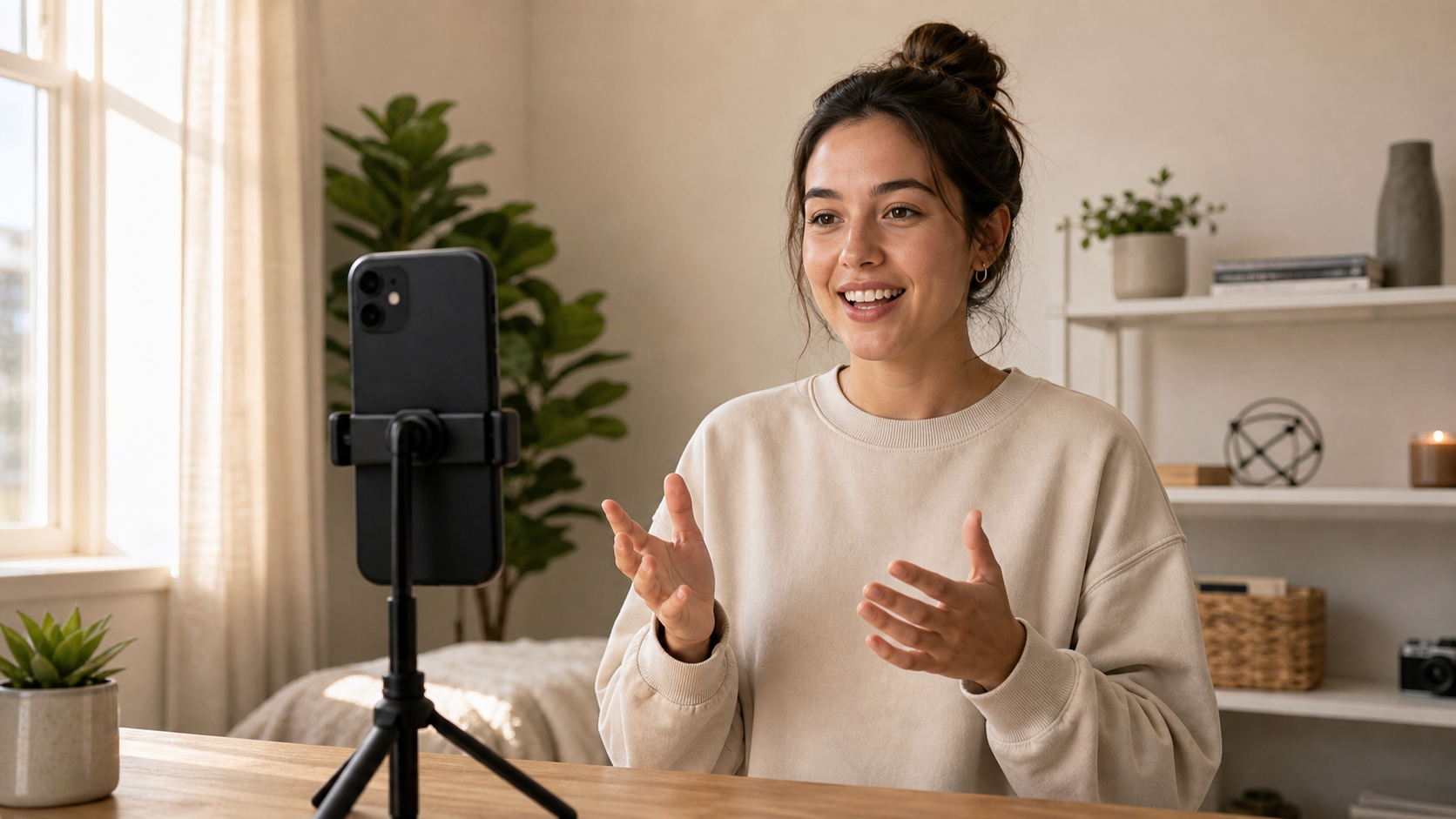
The minimum viable filming setup for daily posting. Phone stand, one light source, consistent background. Leave it assembled between sessions — breaking it down each time adds friction that breaks daily habits.
Phase 2: Batch Editing with AI Tools
The Stack
| Tool | What It Does | Time Per Video |
|---|---|---|
| BlitzCut | Silence removal + captions | 2 minutes |
| CapCut | Effects, templates (if needed) | 5–10 minutes |
| Descript | Long-form content repurposing | 10–15 minutes |
| Opus Clip | Clip extraction from long video | 5 minutes |
For a standard talking-head daily posting workflow: BlitzCut handles everything. For creators who also repurpose long-form content, Descript or Opus Clip adds clip extraction.
The BlitzCut Batch Workflow
BlitzCut is the core tool for daily talking-head posting. The process for each video:
Step 1 — Import (10 seconds) Open BlitzCut. Tap + and select the raw clip from your camera roll.
Step 2 — Remove silence (30 seconds) BlitzCut scans the clip and removes all pauses automatically. A 3-minute raw take with natural pauses becomes a tight 90-second final cut. No timeline scrubbing.
Step 3 — Add captions (30 seconds) Tap Subtitles. AI generates captions synced to your audio. Choose a style. Done.
Step 4 — Export (30 seconds) Export in 9:16. The file goes to your camera roll ready to upload.
Total per video: under 10 minutes.
For 7 videos: approximately 14 minutes of active editing time.
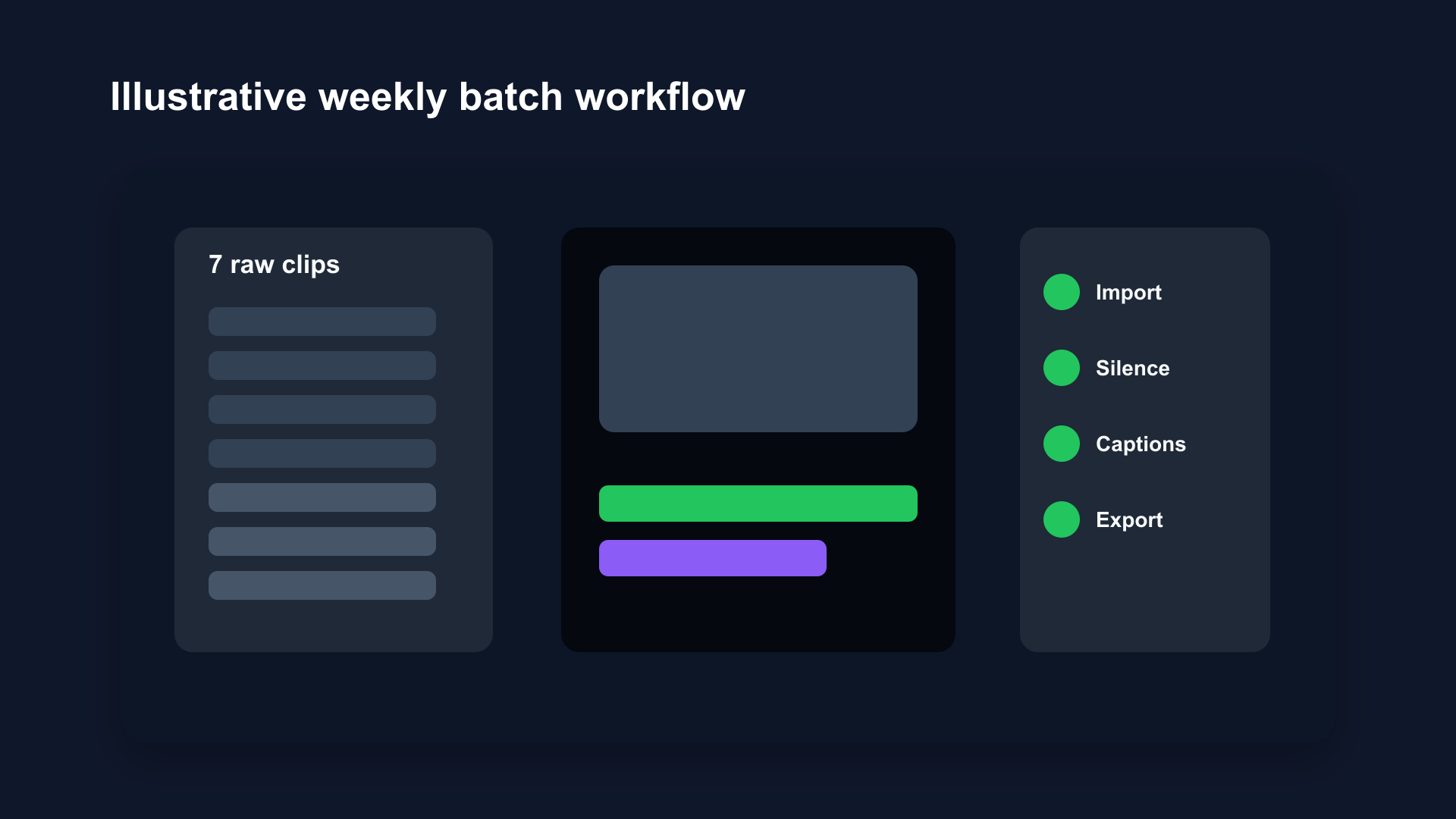
Illustrative batch editing workflow mockup. Import, silence removal, captions, export — repeated per clip. 7 videos in one session produces a full week of daily content ready to schedule.
When to Add More Editing
BlitzCut's 2-minute workflow handles talking-head content completely. Add more editing time only when the content requires it:
B-roll: If you want to cut away from your talking head to show something (a screen recording, a product, a location), budget an extra 3–5 minutes per video in CapCut or a timeline editor.
Complex transitions: For content where presentation style matters as much as the message — add 5–10 minutes in CapCut.
Repurposing long-form: If you're taking a long interview, podcast, or tutorial and extracting Shorts/Reels from it, Descript or Opus Clip handles the clip selection step. Descript lets you edit the transcript to identify and extract segments. Opus Clip uses AI to find the best moments automatically.
Phase 3: Scheduling and Publishing
Platform Scheduling
YouTube Shorts: YouTube's native Studio app allows scheduling Shorts. Upload, set date and time, done.
Instagram Reels: Instagram's creator tools allow scheduling Reels from the app or Meta Business Suite. Schedule a week at once in one session.
TikTok: TikTok's app allows scheduling from the upload screen. Third-party tools (Later, Buffer) also handle TikTok scheduling.
The Weekly Schedule Session
After editing is done:
- Upload all 7 videos to each platform (keep separate, remove watermarks between platforms)
- Write captions and hashtags for each (prepare these during filming day — you know what you just recorded)
- Schedule each video for its posting slot
- Leave the session — content publishes automatically all week
Time investment: 30–45 minutes for scheduling, done once per week.
Posting Frequency by Platform
| Platform | Minimum for Growth | Optimal for Fast Growth |
|---|---|---|
| YouTube Shorts | 3–5/week | Daily |
| Instagram Reels | 4–5/week | Daily |
| TikTok | 1–3/day | 2–3/day |
TikTok rewards higher volume than the other two. If you're optimizing for TikTok growth, the batch system needs to produce 14–21 videos per week, not 7. That means two filming sessions or longer filming blocks.
For most creators starting daily posting: 7 videos/week across one primary platform, then expand to cross-posting as the workflow becomes automatic.
AI Tools That Speed Up the Workflow
BlitzCut — Silence Removal and Captions (Mac/iOS)
BlitzCut is the anchor tool for talking-head daily posting. The two things it automates — silence removal and captions — are the two most time-consuming parts of editing any talking-head video. Without it, those tasks take 15–20 minutes per video manually. With it: under 2 minutes total.
Read: Best AI Video Editing Software 2026
Descript — Text-Based Editing for Long-Form Repurposing
If you produce longer content (podcasts, interviews, tutorials) and want to extract daily Shorts from it, Descript's text-based editing workflow is the fastest approach. Edit the transcript to cut segments — video updates automatically. AI Underlord identifies highlight moments automatically.
Read: BlitzCut vs Descript
Opus Clip — AI Clip Extraction
Opus Clip analyzes long videos and extracts the best moments as short clips. Useful for creators who produce webinars, interviews, or long tutorials and want to repurpose them into daily Shorts without watching the whole video to find good moments.
Read: BlitzCut vs Opus Clip
CapCut — Effects and Templates
For content that needs trending effects, templates, or visual styles, CapCut complements BlitzCut's workflow. BlitzCut handles silence and captions. CapCut handles presentation. Use both if your content requires visual effects — use only BlitzCut if you talk to camera.
Common Daily Posting Mistakes
Editing Daily Instead of Batching
Editing one video per day creates daily context-switching. You break your filming setup, your editing setup, your scheduling. It feels productive but it's inefficient. Batch everything.
Using Slow Tools for High-Volume Output
Timeline-based editors (Premiere, Final Cut, DaVinci Resolve) are powerful. They're also slow for simple talking-head content. A 2-minute BlitzCut workflow vs. a 20-minute Premiere workflow is a 10x speed difference. At 7 videos/week, that's 2.5 hours vs. 15 minutes.
Use the right tool for the task. Complex edits: use Premiere. Simple talking-head daily content: use BlitzCut.
Posting Without Captions
85% of social video is watched on mute. Posting without captions means losing the majority of your potential audience immediately. Every video, every platform, needs captions. BlitzCut adds them in one tap.
Waiting for Perfect Content
Daily posting is a volume game. Consistency outperforms individual quality in the algorithm. A good video posted every day beats a great video posted once a month. The batch system works because it removes the perfection bottleneck — film all 7, process all 7, post all 7. Adjust based on what performs.
Weekly Time Investment Summary
| Task | Time |
|---|---|
| Script preparation | 30–60 min |
| Batch filming (7 videos) | 60–90 min |
| Batch editing (BlitzCut) | 15–20 min |
| Scheduling and captions | 30–45 min |
| Total weekly time | ~3 hours |
3 hours of work per week produces 7 pieces of content across up to 3 platforms. That's a sustainable system.
Frequently Asked Questions
How do I edit videos faster for daily posting?
Switch from manual timeline editing to AI-powered tools. BlitzCut removes silence and adds captions automatically — reducing editing time from 20+ minutes to under 2 minutes per video for talking-head content.
What's the best AI tool for daily video posting?
BlitzCut for talking-head content (tutorials, vlogs, education). Opus Clip for repurposing long-form content. Descript for podcast or interview editing. Each solves a different step in the daily posting workflow.
Can I post the same video to YouTube Shorts, Reels, and TikTok?
Yes. Use the same 1080×1920 MP4 file. Remove watermarks before cross-posting. Watch the 90-second limit for Instagram Reels shelf distribution. See Social Video Specs 2026 for full platform specs.
How many videos should I film in a batch?
7 is the practical minimum for a daily posting schedule. 10–14 gives you a buffer week. Start with 7 and increase once the batch system becomes automatic.
Is daily posting worth it?
For accounts in growth mode: yes. The algorithm on every major platform rewards posting frequency with more distribution opportunities. Daily posting doesn't guarantee every video performs — it guarantees more chances for breakout content, and a compound audience growth effect over time.
Related Guides
- Video Editing Workflow for Beginners on Mac — fundamentals of the editing process
- How to Edit Talking-Head Videos Fast — technique guide
- Batch Editing Videos — batch workflow in depth
- Best AI Video Editing Software 2026 — full tool comparison
- Social Video Specs 2026 — export specs for all platforms
- How to Repurpose YouTube to TikTok — cross-platform repurposing
Post every day without spending hours editing
BlitzCut is a native app for iPhone, iPad, and Mac. Get from raw footage to TikTok-ready in under 2 minutes, so editing is never the reason you didn't post.
Try it for freeRelated Articles
Keep Reading

What Font Does TikTok Use? (2026 Answer)
TikTok uses TikTok Sans, open-sourced in July 2025 and free to download. Before that, Proxima Nova — still the app's Classic text option. History and license.

What Makes a Reel Hook Go Viral? (2026 Breakdown)
Viral Reel hooks are a mechanism, not clever writing. What Instagram measures in the first three seconds, and what every hook that travels has in common.

YouTube Shorts Length Limits (2026): Maximum Length and What Counts as a Short
YouTube Shorts can be up to 3 minutes long in 2026. What qualifies as a Short, the aspect ratio rule, and why longer Shorts don't always perform better.