
How UGC Creators Get More Clients on Upwork
UGC freelancers lose jobs to faster applicants, not better portfolios. Profile setup, proposal workflow, job alerts, and a 48-hour production stack.


The problem most UGC creators have on Upwork isn't their portfolio. It's timing. By the time they find a good posting, it already has 30 proposals. The clients who book consistently are the ones who apply in the first wave and deliver before the deadline — and both come down to tools, not talent.
Brands post UGC jobs on Upwork daily: short video ads, product demos, unboxing clips, testimonial content, lifestyle b-roll. Their inbox fills within hours. The first 5–10 applicants get read carefully. The rest get a 3-second skim or nothing.
This isn't a complaint about the platform. It's a workflow problem with a workflow solution. This guide covers the full system: profile setup, which niches have the most demand, how to apply before the competition builds, and how to produce and deliver faster than clients expect.
What Brands Are Hiring UGC Creators for on Upwork
Understanding the job types changes how you position your profile and which postings to prioritize.
Short video ads (15–60 seconds) — The highest-volume category. Brands need talking-head or demo-style clips for Meta and TikTok ad campaigns. These are almost always 9:16 vertical, captioned, clean audio. Turnaround is fast — 24–48 hours per video is common.
Product demo and unboxing — Hands on camera, product in frame, lifestyle setting. The brief is usually minimal: "show the product naturally, authentic over polished." These jobs often include shipping the product to the creator, so postings from US-based clients tend to prefer US-based creators.
Testimonial-style content — Face on camera, personal delivery, scripted or unscripted. Clients want authenticity signal for ads. High demand in health, beauty, and fitness verticals. The editing standard is tight — silences cut, captions present, delivery clean.
Batch content packages — 3 to 10 videos for a single campaign. Higher total value, longer relationship. Clients hiring for batches are often mid-sized brands running ongoing campaigns, not one-off purchasers. These clients tend to rehire. Winning one batch job often leads to monthly retainer conversations.
Repurposed content packages — Taking one shoot and delivering multiple cut-downs: a 60-second hero clip, a 30-second version, a 15-second cut, and a square format for each. Four deliverables from one filming session. Knowing how to do this efficiently is a pricing lever.
Which UGC Niches Have the Most Demand on Upwork
Not all niches post with the same frequency or budget. Based on what consistently appears in the feed:
| Niche | Volume | Avg Budget | Notes |
|---|---|---|---|
| Beauty & skincare | High | $50–$200/video | Brand-heavy, repeat buyers |
| Health & supplements | High | $75–$250/video | FTC compliance awareness needed |
| Fitness & wellness | Medium-High | $60–$175/video | Often batch packages |
| Tech & software | Medium | $100–$300/video | Higher budget, more brief complexity |
| Food & beverage | Medium | $50–$150/video | Strong lifestyle angle |
| Pet products | Medium | $50–$125/video | Low competition relative to demand |
| Home & lifestyle | Medium | $50–$150/video | Amazon-adjacent brands common |
| B2B software demos | Lower volume | $150–$400/video | Highest per-video budget |
Creators who specify one or two niches in their profile outperform generalists. A profile that says "UGC creator for health and wellness brands" positions more credibly than one that lists ten industries. Clients filtering for their category find you faster, and your samples feel more directly relevant to their product.
Profile Setup: What Gets You Hired
Your Upwork profile is the last thing a client reads before deciding whether to send an invite or accept a proposal. Most UGC profiles on the platform are interchangeable — they list "I create authentic UGC content" with a few bullet points and nothing memorable.
Headline. Be specific about niche and deliverable format. "UGC Video Creator — Health & Wellness Brands, 48hr Turnaround" communicates more than "Experienced UGC Content Creator." Clients scan headlines fast. A specific one stops the scroll.
Overview. Open with the business result you deliver — not your creative background. "Brands I've worked with consistently see 3–5x engagement on UGC vs. branded content. I deliver 9:16 captioned video ads in 48 hours." That's the first two sentences. Follow with your niche, format capabilities, and what a project looks like with you. Keep it under 200 words.
Portfolio. Show the exact formats clients are buying. Three to five short clips — captioned, vertical, demonstrating your delivery style. If you have any performance data (CTR, view rate, platform stats), include it. Most UGC profiles have zero performance data, which makes any data you show a differentiator.
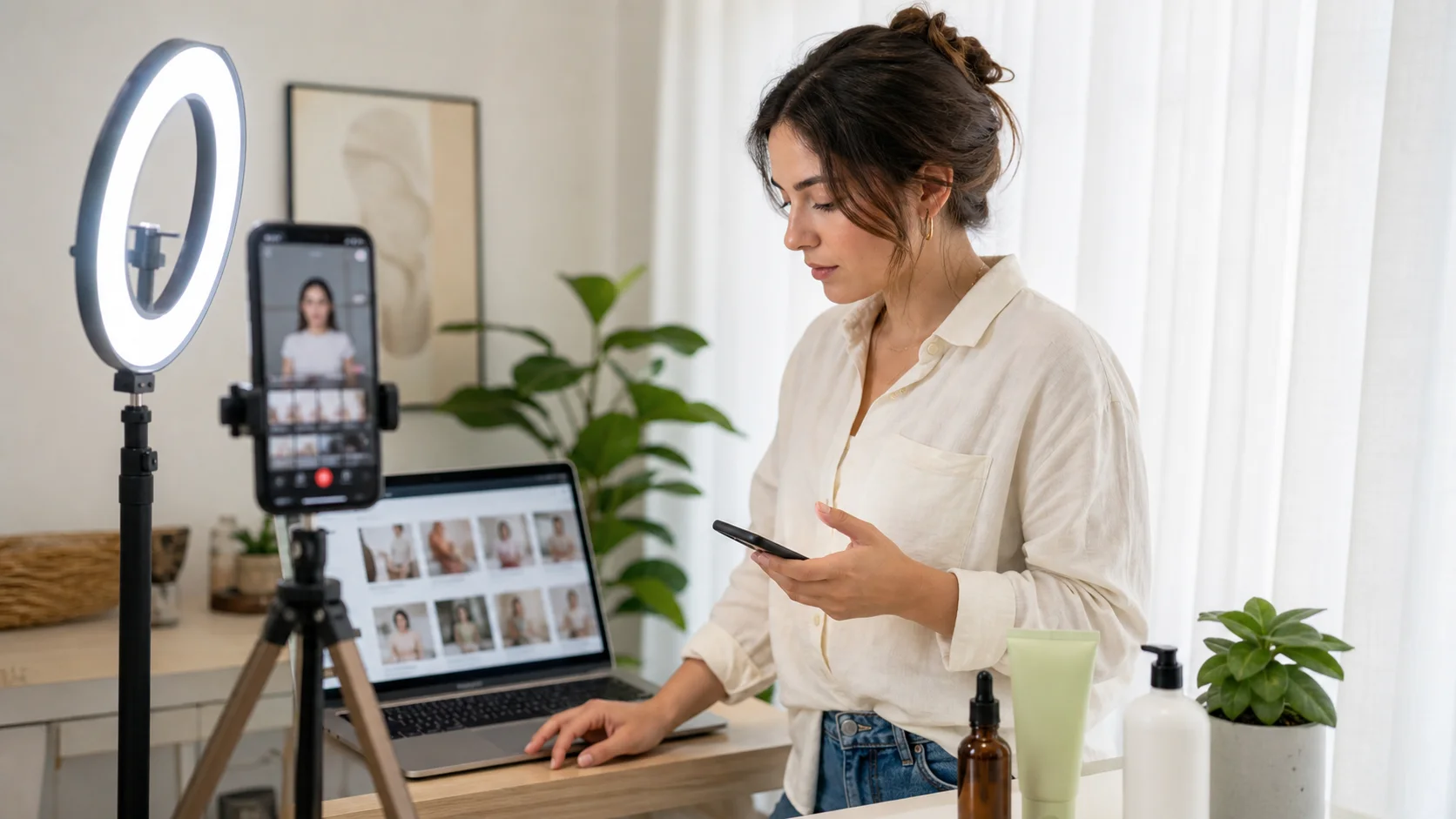
Your profile should show the formats clients are actually hiring for: short vertical clips, clean lighting, product-in-frame examples, and a setup that looks repeatable.
Hourly rate vs. fixed-price. Most UGC work on Upwork is fixed-price per project. Set your profile rate to reflect package pricing, not hourly. A $75/hour rate reads differently than "$150 per 60-second video, 3-video minimum." Fixed-price positions you as someone who knows how UGC work is structured.
Why Most UGC Creators Miss Their Best Opportunities
Manual browsing is the core problem. Check Upwork once or twice a day — which most freelancers do — and you're reading jobs that were posted 6–12 hours ago. On a strong UGC posting with a decent budget, that window means 30–50 proposals already submitted. You're not getting hired from position 40.
The jobs worth competing for are the ones just posted. A client who just hit publish has an empty inbox. Your proposal is one of three, not one of forty. That's a different conversion rate.
The math:
| Time since posting | Typical proposal count | Your realistic shot |
|---|---|---|
| 0–30 minutes | 1–5 | Strong |
| 30–90 minutes | 5–15 | Reasonable |
| 2–4 hours | 15–35 | Difficult |
| 6+ hours | 35–60+ | Unlikely |
The gap between the posting timestamp and your notification is the variable that determines your close rate — more than your rate, more than your samples, more than your review count.

The best Upwork jobs are easiest to win before the proposal count climbs. A real-time alert turns checking the feed into a fast response workflow.
Getting to Jobs First: Real-Time Alerts
The practical fix is real-time job scoring. Vibeworker monitors Upwork for new postings and scores each one against your profile — evaluating scope clarity, client quality, budget range, and match to your targeting strategy. Strong matches trigger a notification within 2–5 minutes of posting.
For a UGC creator, the workflow looks like this:
- A new video ad job posts on Upwork
- Vibeworker scores it as a strong match for your UGC profile and niche
- You receive a push notification or Telegram message within minutes
- You open the alert, review the pre-drafted proposal text, personalize one line about the client's product, and submit
You're in the first wave. The client's inbox has 3 proposals, not 30.
This matters more than any other single change to the workflow. A creator with a great profile who applies at hour 8 loses to a creator with a mediocre profile who applies at hour 0.5. Vibeworker closes that timing gap reliably, not just when you happen to check the feed at the right moment.
Writing a Proposal That Gets Opened
Arriving first matters less if your proposal doesn't get opened. Most UGC proposals on Upwork are generic — some variation of "Hi, I'm a UGC creator with X years of experience" followed by a copy-pasted bio. Clients read dozens of these. They don't get remembered.
A proposal that gets read does three things in the first two lines:
- Shows you read the brief (reference one specific detail from the job)
- States a concrete outcome (not a general pitch)
- Establishes speed of delivery
Example of a weak opening:
"Hi! I'm an experienced UGC creator with a passion for authentic content. I've worked with many brands across various industries and would love to help with your project."
Example of a stronger opening:
"Saw you need 3 lifestyle videos for the supplement launch — vertical, captioned, delivered this week. I can film and deliver the first draft within 48 hours of brief confirmation. Here's a recent example from a similar product."
The second version is specific, time-bound, and leads with the work — not the creator's background. It answers the only question a busy client has when scanning proposals: can this person deliver what I need, fast?
Vibeworker includes preliminary proposal drafts with each job alert. These give you a structural starting point. The single most effective edit: add one specific line referencing the client's product, brand name, or campaign context from the brief. Personalization signals you read the job. Most applicants don't bother.
Delivering Fast: Your Production Stack
Winning the proposal is step one. Delivering early — not just on time — is what turns a single job into repeat work.
Most UGC briefs are predictable to produce: talking-head or product demo, vertical format, captions required, clean audio. The editing is repetitive. On a manual timeline editor, one video takes 15–20 minutes. For a 5-video package, that's nearly two hours of editing before you've exported a single file.
BlitzCut compresses that to under 2 minutes per video. Import the clip, silence removal runs automatically, captions generate in one tap, export in 9:16. For a 5-video package: 10 minutes of active editing total.
Production time comparison:
| Approach | Per video | 5-video package | 10-video package |
|---|---|---|---|
| Manual timeline editor | 15–25 min | 75–125 min | 2.5–4 hours |
| BlitzCut (silence + captions) | ~2 min | ~10 min | ~20 min |
At the 10-video scale — common for monthly retainer clients — that's the difference between a half-day editing session and 20 minutes. It changes what's feasible to quote and deliver.
A client places an order Monday morning. You film Monday afternoon, edit Monday evening, deliver Tuesday. Client expected Thursday. That's a 5-star review before competitors finish their samples.
The mobile UGC stack:
| Tool | Job |
|---|---|
| iPhone (recent model) | Filming — 9:16 native, front or rear camera |
| Clip-on lapel mic | Audio quality — $20–$50, recovers bad take audio |
| BlitzCut | Silence removal, captions, 9:16 export |
| Vibeworker | Real-time Upwork alerts, proposal drafts |
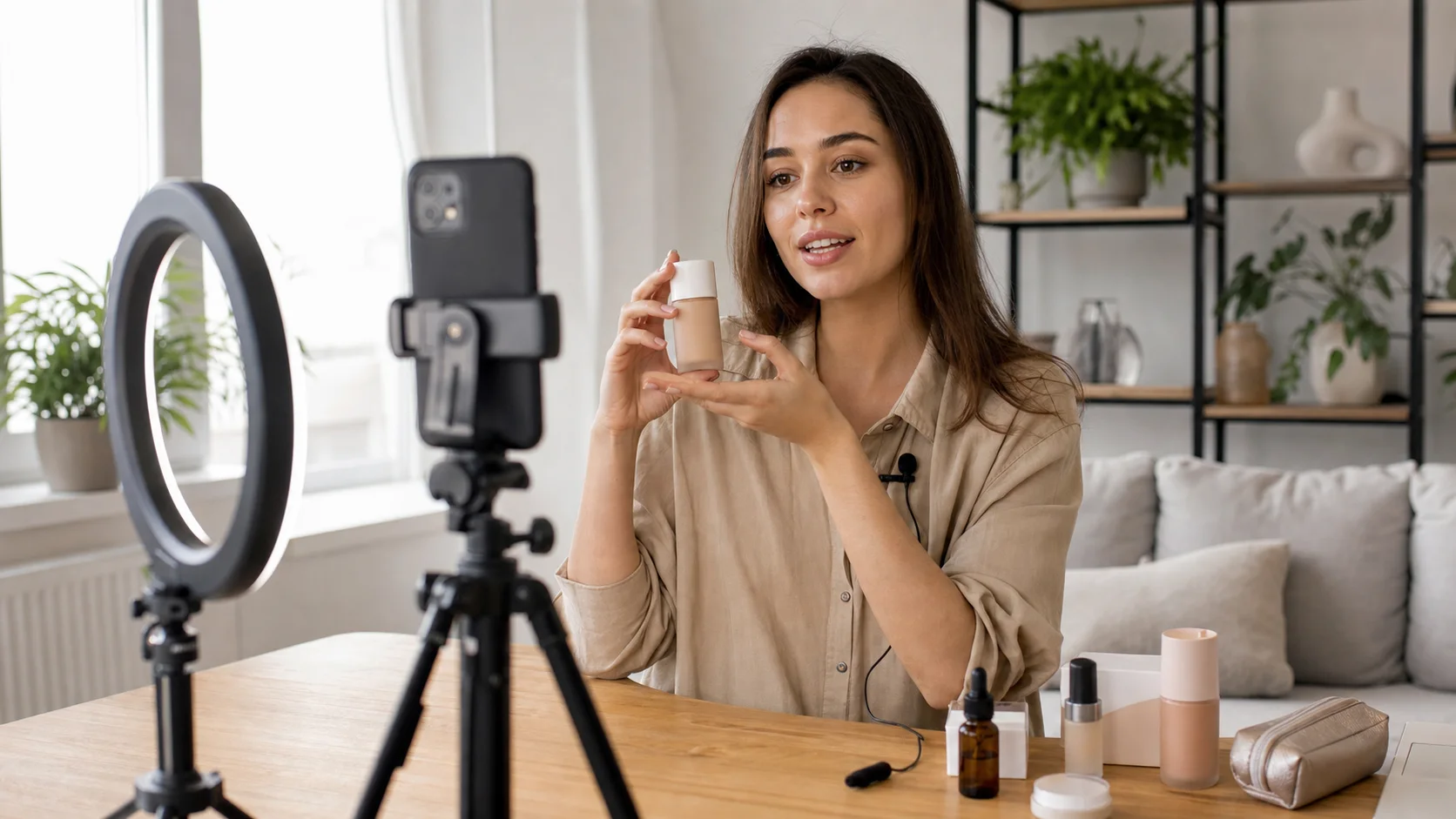
A practical UGC stack is small: phone, light, lav mic, product, and an editing workflow fast enough to keep batch jobs profitable.
No desktop required. The entire production workflow — from filming to delivered files — runs on iPhone.
What Clients Expect in Your Deliverables
Knowing the production standards before you take a job prevents revision requests that eat into your margin.
Format. Vertical 9:16 (1080×1920) for Meta and TikTok ads. Square 1:1 for some feed placements. Confirm format before filming.
Captions. Most clients want captions baked in — burned into the video, not as a separate .srt file. Animated (word-by-word) or clean bottom-third. BlitzCut generates both. Confirm the style preference in the brief or default to animated for TikTok-destined content.
Audio. Clean, no background noise. A clip-on lapel mic at $20–$50 eliminates most audio problems. Clients reviewing UGC at scale notice audio quality before they notice anything else.
File naming. Name files descriptively: BrandName_ProductName_60sec_v1.mp4. Clients managing campaigns across dozens of creators need organized deliverables. Being the creator who sends organized, clearly labeled files is a differentiator.
Revisions. Build one revision round into your quote. State it in the proposal. Most clients don't need it, but knowing it's included removes the hesitation to hire.
The Full UGC Upwork Workflow
Step 1 — Set up Vibeworker with your UGC niche, target budget minimum, and content types. It learns your preferences and scores new postings against them within minutes of posting.
Step 2 — Receive an alert. Review the score and the pre-drafted proposal. Add one personalized line referencing the specific brand or product. Submit. Target under 5 minutes from notification to submitted proposal.
Step 3 — Win the job. Confirm deliverables, format, timeline, and whether the client is shipping product. Get the brief in writing before starting.
Step 4 — Film on iPhone. One shooting session per project, all clips back-to-back. Use a consistent setup — same spot, same light, same distance from camera. Silence removal handles pauses, so don't re-record every line. Deliver the content and move on.
Step 5 — Edit in BlitzCut. Import all clips. Silence removal runs automatically. Captions in one tap. Export all files as 9:16 MP4. Total editing time for a 5-video package: 10–15 minutes.
Step 6 — Deliver early with clean files. Send labeled MP4s with a brief message describing what's included. "Here are the 5 final videos, captioned, 9:16, 1080p. Let me know if you need any revisions within the included round."
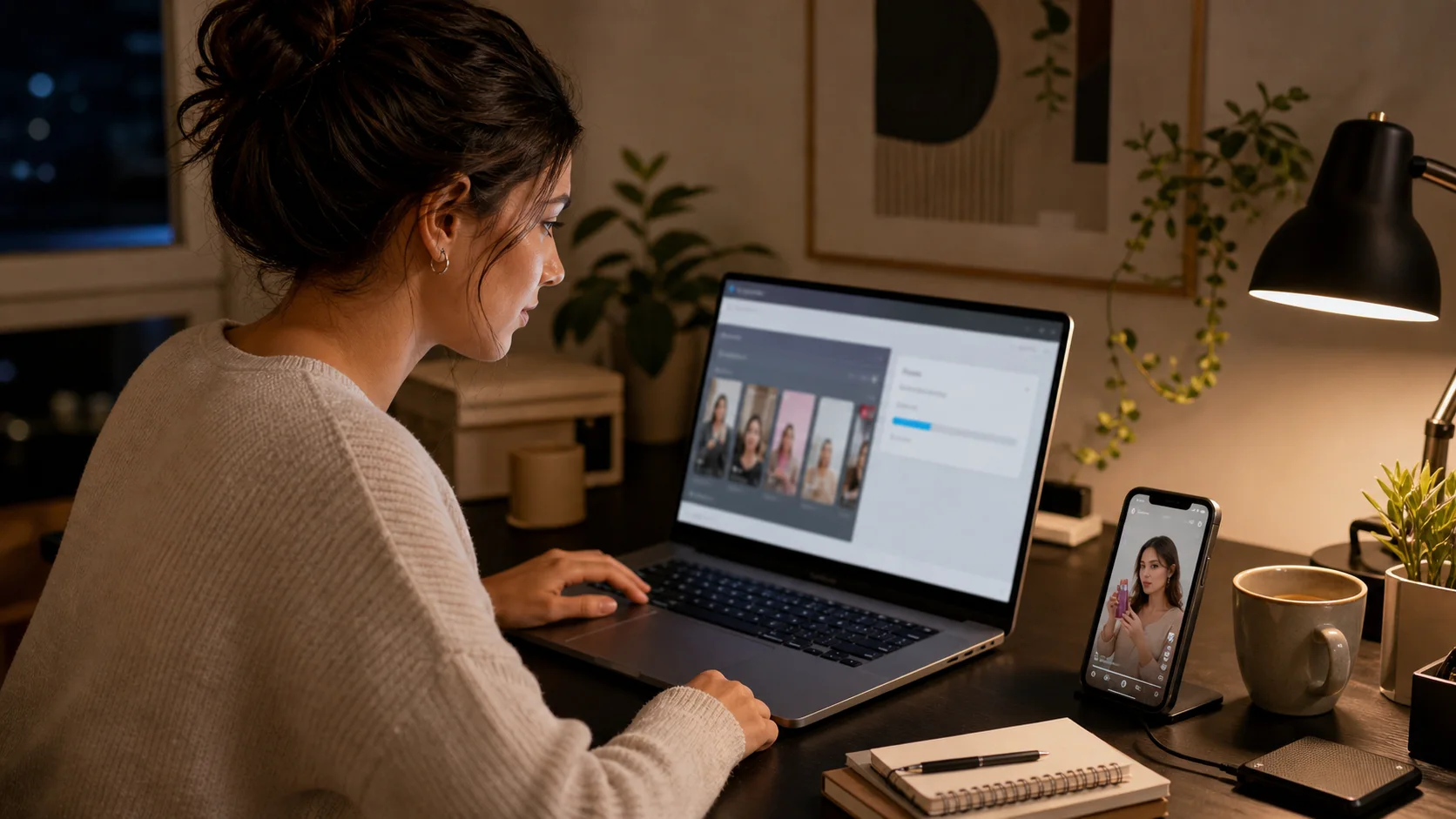
Clean delivery matters. Labeled files, captioned 9:16 exports, and a concise handoff message make the client experience feel professional even on a first project.
Step 7 — Request a review. If the client is satisfied and doesn't leave a review within 48 hours, one polite message asking for feedback is appropriate. Reviews compound — each one makes the next proposal more credible.
Step 8 — Repeat. Returning clients reduce the amount of proposing you need to do entirely. A client who gets a 5-star delivery experience will message you for the next campaign before they post a new job.
Common Mistakes UGC Creators Make on Upwork
Applying to every job instead of the right ones. Connects cost money and attention. A proposal sent to a vague, low-budget job is a proposal not sent to a strong one. Use match scoring — Vibeworker surfaces strong fits and flags weak ones.
Generic proposals. "Hi, I'm a UGC creator with experience in X" describes 200 other applicants. Open with the specific deliverable and your timeline. That's the only thing the client wants to know at the proposal stage.
Slow delivery on the first job. The first job with any client is an audition. Delivering early, clean, and with organized files wins the next job before it's even posted.
Not captioning deliverables. Most UGC is destined for mobile feeds where sound is off. Delivering uncaptioned video sends the client back to you for a revision — or makes them give the work to someone else next time.
Underpricing to compete. New creators undercut to win first jobs, then get stuck at rates that don't scale. A more effective strategy: match market rates, win with speed and professionalism, collect 5-star reviews from the first few clients, and raise rates with each level of social proof.
UGC Upwork Pricing Reference
Rates vary by niche, experience, and deliverable complexity. A rough market reference for where packages land in 2026:
| Package | Description | Market Rate |
|---|---|---|
| Single video | 60-second captioned, 1 round revision | $75–$150 |
| Starter pack | 3 videos, same product, 48hr delivery | $200–$400 |
| Campaign pack | 5–10 videos, multiple angles and scripts | $400–$900 |
| Monthly retainer | 8–12 videos/month, ongoing relationship | $700–$2,000/mo |
| Multi-format pack | 1 shoot → 60s, 30s, 15s, square cuts | $300–$600 |
Creators who specialize in high-spend niches (B2B software, supplements, premium beauty) can price at the upper end. Creators in high-competition niches (fashion, generic lifestyle) tend to land at the lower end.
Frequently Asked Questions
How competitive is UGC work on Upwork?
Competitive, but timing-dependent. Jobs with no proposals are winnable by any creator with a credible profile. The issue is that most creators find those jobs too late. Real-time alerts close the timing gap more reliably than optimizing any other part of your profile.
What should a UGC creator's Upwork profile emphasize?
Niche specificity, fast turnaround, and sample work in the exact format clients are buying — vertical, captioned, 60 seconds or under. Most profiles are generic; a niche-specific profile with platform-ready samples immediately stands out.
How fast should I respond to a new Upwork job posting?
Inside 30 minutes is strong. Inside 10 minutes puts you in the first wave consistently. Manual browsing can't hit that reliably. Vibeworker makes it consistent instead of lucky.
Do I need professional equipment to do UGC work on Upwork?
No. iPhone plus natural light handles the vast majority of UGC briefs. The highest-leverage hardware upgrade is a clip-on lavalier mic — audio quality affects perceived professionalism more than camera resolution. Most UGC clients aren't looking for cinema-grade footage; they want authentic, well-lit, clearly audible video that converts.
How many videos should I quote in my first job with a new client?
A 3-video starter pack is the most common entry point. It's enough to demonstrate range, keeps the job manageable, and gives the client enough content to test before committing to a larger order. Deliver those well and the follow-up package conversation happens naturally.
Should I charge per video or per package?
Per package. It sets expectations clearly, makes pricing predictable for the client, and prevents scope creep. "3 videos, captioned, 9:16, delivered in 48 hours, 1 revision round included — $250" is cleaner than "I charge $90/hour and it usually takes 2–3 hours per video."
How do I build a UGC portfolio if I don't have clients yet?
Create spec work for products you actually use. Film a 60-second review of three products you own — beauty, food, tech, whatever your niche is. Caption them, export them vertical, and upload them as portfolio samples. Clients can't tell spec work from paid work unless the brief says "personal project."
Can UGC creators build a sustainable monthly income on Upwork?
Yes — through repeat clients more than cold proposals. A creator who delivers fast, communicates clearly, and produces clean captioned video gets rehired before a new posting goes up. The goal of every first job is a second job with the same client, eventually converting to a retainer. One monthly retainer client at $700–$1,000/month changes what the platform looks like as a business.
Is Upwork the only platform for UGC freelance work?
No — direct outreach to brands, Instagram DMs, and platforms like Billo exist. Upwork's advantage is intent: clients posting there are actively hiring, not just potentially interested. The tradeoff is competition. Using real-time alerts addresses the competition problem while keeping access to Upwork's high-intent buyer pool.
What's the most common reason UGC proposals get ignored on Upwork?
Being late and being generic are roughly tied. Most ignored proposals arrive after the client has already mentally shortlisted 3–5 creators from the first hour. Among proposals that arrive on time, the ones that get ignored open with the creator's background rather than the client's deliverable. Fix both with real-time alerts and a brief-specific opening line.
Related Guides
Post every day without spending hours editing
BlitzCut is a native app for iPhone, iPad, and Mac. Get from raw footage to TikTok-ready in under 2 minutes, so editing is never the reason you didn't post.
Try it for freeRelated Articles
Keep Reading

What Font Does TikTok Use? (2026 Answer)
TikTok uses TikTok Sans, open-sourced in July 2025 and free to download. Before that, Proxima Nova — still the app's Classic text option. History and license.

What Makes a Reel Hook Go Viral? (2026 Breakdown)
Viral Reel hooks are a mechanism, not clever writing. What Instagram measures in the first three seconds, and what every hook that travels has in common.

YouTube Shorts Length Limits (2026): Maximum Length and What Counts as a Short
YouTube Shorts can be up to 3 minutes long in 2026. What qualifies as a Short, the aspect ratio rule, and why longer Shorts don't always perform better.