
Descript vs CapCut (2026): Which Editor Wins — And the Third Option Worth Considering
Descript vs CapCut in 2026 compared on features, pricing, and which creator each suits — plus a third Mac option that undercuts both on price.


Descript and CapCut solve different problems. Descript is built for creators who edit by reading — podcast editors, interviewers, long-form YouTubers who want to cut videos by editing a transcript. CapCut is built for creators who edit by doing — short-form social media creators who want drag-and-drop timelines, trending templates, and one-tap effects. Neither is strictly better. They're tools for different workflows.
The question isn't "which is better" — it's "which matches what you actually make."
This comparison breaks down both tools honestly, then introduces a third option that most comparisons skip: a Mac-native tool that's faster than both for one specific type of content, at a fraction of the price.
Quick Verdict
| Use case | Best pick |
|---|---|
| Podcasts, interviews, long-form YouTube | Descript |
| TikTok, Reels, Shorts — mobile-first | CapCut |
| Talking head content on Mac, fast caption workflow | BlitzCut |
| Large team, collaborative editing | Descript Business |
| Budget-conscious, free tier needed | CapCut |
What Is Descript?
Descript is a transcript-based video and audio editor. You record or import your video, Descript transcribes it automatically, and then you edit the video by editing the text — delete a word from the transcript and the corresponding video clip disappears. It also has audio tools that are genuinely impressive: Studio Sound cleans up room noise and mic quality, Overdub lets you fix mistakes with a cloned AI voice, and filler word removal catches every "um" and "uh" across the full transcript.
The transcript-based workflow is genuinely faster for long-form content. A 45-minute podcast interview that would take hours to scrub on a timeline takes 20–30 minutes to edit in Descript — you read the transcript, delete the bad parts, and you're done.
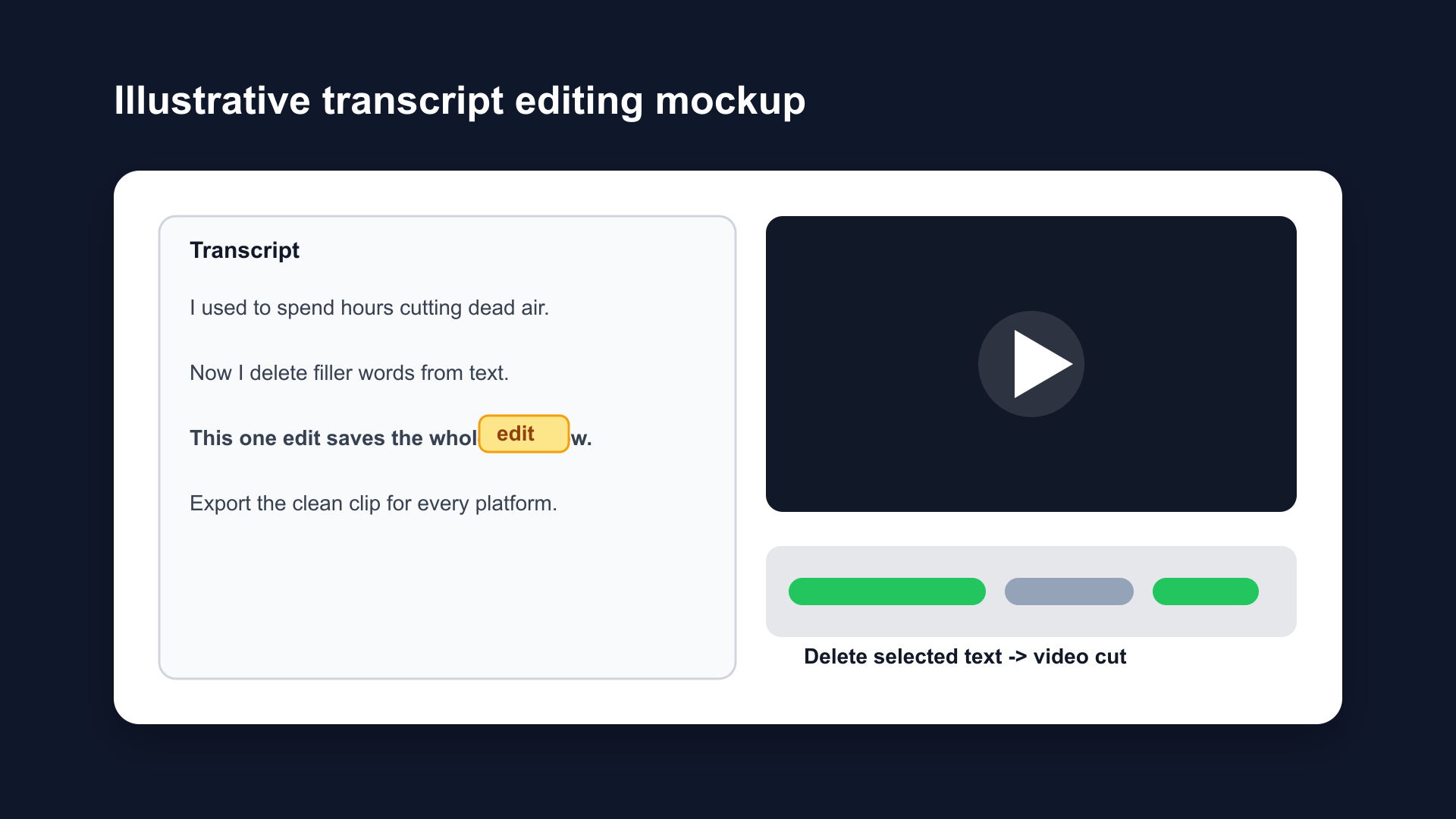
Illustrative transcript editing mockup. Descript's core workflow is transcript-first: delete text, delete video.
Who Descript is for: - Podcast editors - Interview content (YouTube, LinkedIn) - Course creators with long talking-head content - Anyone who prefers reading their edit over scrubbing a timeline
Who Descript is not for:
- Mobile creators (no real mobile app for editing)
- Short-form social creators who need effects and templates
- Anyone on a tight budget
What Is CapCut?
CapCut is a free-to-use video editor built by ByteDance (TikTok's parent company). It started as a mobile app and remains strongest there — the iOS and Android versions have been downloaded over 400 million times. A desktop version exists for Windows and Mac, but the mobile app is where CapCut's feature set is most complete.
CapCut's strength is short-form social content. It has auto-captions, trending templates, background removal, noise cancellation, AI clipper, and thousands of effects. The interface is drag-and-drop timeline with a large effects panel — familiar to anyone who's used iMovie or a basic mobile editor.
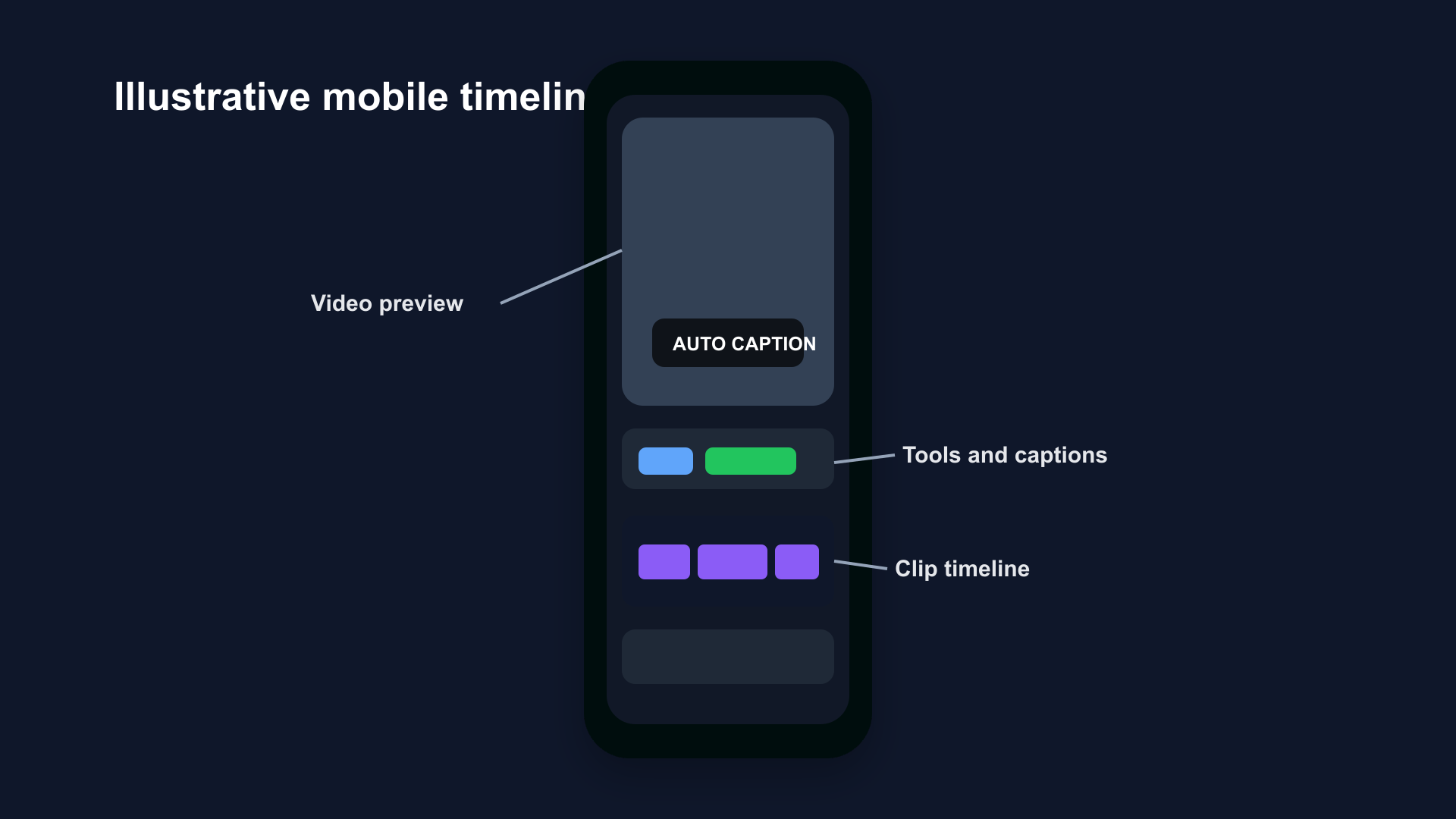
Illustrative mobile timeline mockup. CapCut's mobile workflow is strongest for quick social edits, effects, captions, and template-driven output.
Who CapCut is for: - TikTok creators (native TikTok integration) - Short-form social creators on mobile - Budget-conscious creators (free tier is genuinely functional) - Creators who need trending templates and effects
Who CapCut is not for:
- Long-form content editors
- Mac users who want a native, privacy-first experience
- Creators concerned about ByteDance data practices
Feature Comparison
| Feature | Descript | CapCut |
|---|---|---|
| Editing style | Transcript-based | Timeline/drag-and-drop |
| Silence removal | ✅ Automatic | ✅ Smart Cut |
| Filler word removal | ✅ AI auto-detection | ✅ AI auto-detection |
| Auto-captions | ✅ From transcript | ✅ Wide style library |
| Audio enhancement | ✅ Studio Sound (excellent) | ✅ Noise cancellation (good) |
| AI voice clone | ✅ Overdub | ❌ Not available |
| Templates | Limited | ✅ Thousands |
| Mobile app | ❌ Viewer only | ✅ Full feature editing |
| Screen recording | ✅ Built-in | ✅ Built-in |
| B-roll / stock footage | ✅ Integrated | ✅ Integrated |
| Team collaboration | ✅ (Creator+ plans) | ❌ Limited |
| Native Mac app | ✅ Mac + Windows | ✅ Mac + Windows |
| Transcription accuracy | Very high | High |
| TikTok integration | ❌ | ✅ Direct publish |
Pricing (2026)
Descript Pricing
Descript has no useful free tier in 2026 — the free plan limits you to 1 hour of transcription total and watermarks your exports.
- Hobbyist: $24/month — 10 hours transcription, 1080p export, basic AI features
- Creator: $33/month — 30 hours transcription, 4K export, Studio Sound, filler removal, Overdub
- Business: $55/month — 40 hours transcription, team collaboration, unlimited AI
For most solo creators, Creator at $33/month is the realistic minimum if you want the full feature set. That's $396/year.
CapCut Pricing
CapCut has a genuinely usable free tier — no watermark on exported videos, auto-captions available, and the core timeline editing is free.
- Free: No watermark, auto-captions, basic effects and templates, 1080p export
- Standard: ~$9.99/month — removes ads, unlocks some premium effects
- Pro: $19.99/month or $179.99/year — full AI toolkit, 4K HDR export, 1TB cloud storage, all templates
Most casual social creators use CapCut free and never need to upgrade.
Price Summary
| Free plan | Entry paid | Annual cost (entry paid) | |
|---|---|---|---|
| Descript | Very limited | $24/month | $288/year |
| CapCut | Fully functional | $9.99/month | ~$120/year |
The Third Option: BlitzCut
Most Descript vs CapCut comparisons skip this because they're written to rank for the comparison keyword, not to give you the actual best answer. Here's the honest situation:
If you're a Mac or iPhone creator making talking head content — tutorials, commentary, educational videos, social clips — there's a third tool that's faster than both for that specific workflow, at a lower price than either.
BlitzCut is a Mac-native (also available on iPhone) video editor built specifically for:
- Silence removal (on-device, no upload required)
- Filler word removal via transcript editing
- Animated karaoke-style captions
- Vertical export for social platforms
It's not a full-featured editor like Descript or CapCut — you won't find a template library or AI voice clone. But for the core talking-head workflow, it completes in under 30 minutes what takes an hour in either Descript or CapCut. At under $6/month billed annually, it costs less than CapCut Standard and less than a third of Descript Hobbyist.
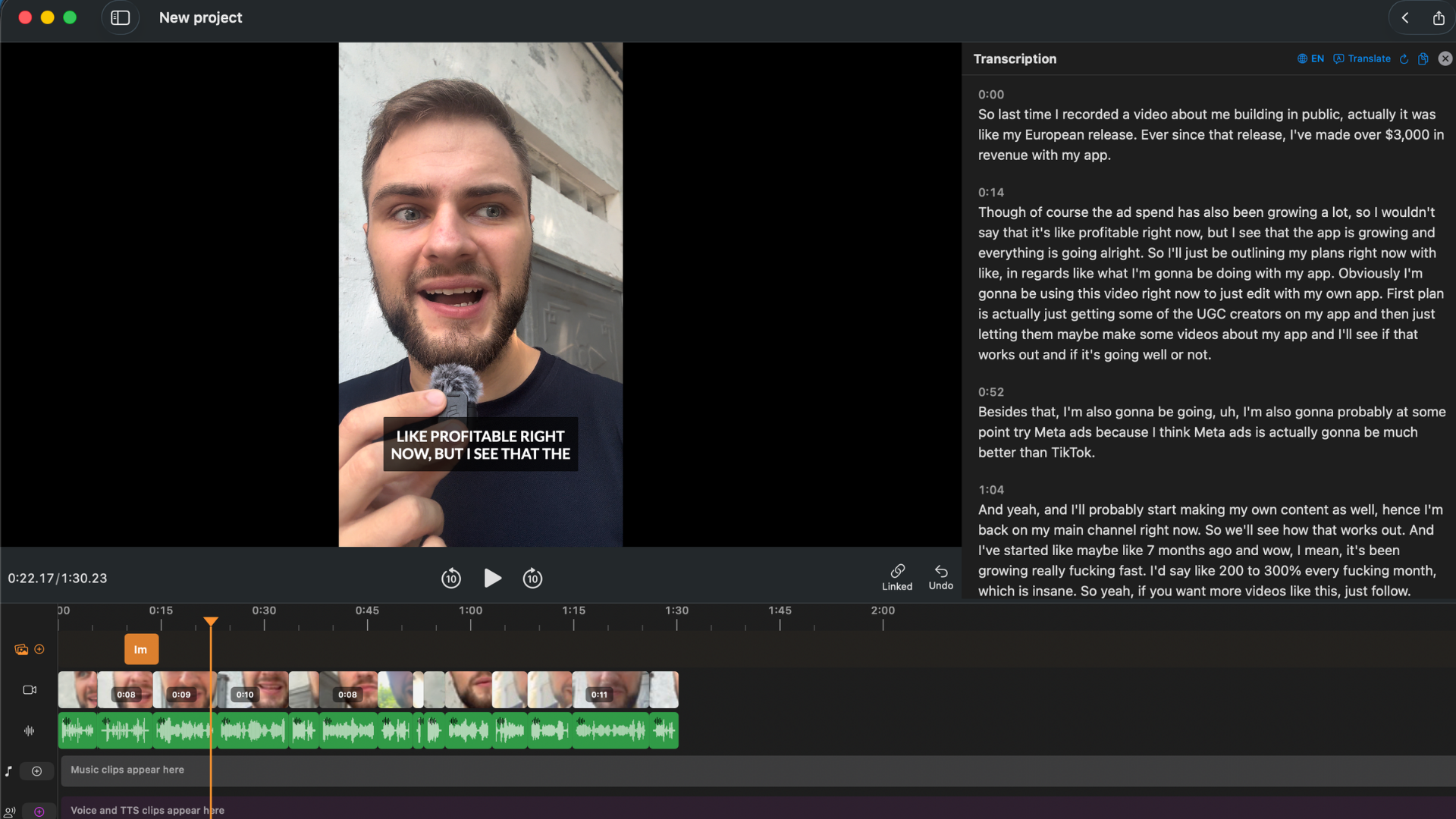
BlitzCut's on-device workflow: import, silence removal, transcript-based filler editing, captions — all without uploading to a cloud server.
BlitzCut vs Descript vs CapCut at a glance:
| BlitzCut | Descript | CapCut | |
|---|---|---|---|
| Best for | Talking head, Mac | Long-form, podcast | Short-form, mobile |
| Price | Under $6/mo (annual) | $24–55/mo | Free / $20/mo |
| Silence removal | ✅ On-device | ✅ Cloud | ✅ Cloud |
| Transcript editing | ✅ Yes | ✅ Yes (stronger) | ❌ |
| Auto-captions | ✅ Karaoke style | ✅ From transcript | ✅ Wide styles |
| Mobile | ✅ iPhone | ❌ Viewer only | ✅ Full editing |
| Templates / effects | Limited | Limited | ✅ Thousands |
| Data stays on device | ✅ Yes | ❌ Cloud upload | ❌ Cloud upload |
BlitzCut won't replace Descript for podcast production or CapCut for effects-heavy social content. But if you're creating talking head videos on a Mac and want the cheapest, fastest path to published content, it's a serious option that neither of the other two comparisons usually mention.
Which Should You Choose?
Choose Descript if:
- You produce podcasts or interview-format content
- Long-form YouTube is your main channel
- You want AI voice cloning (Overdub) or best-in-class audio cleanup (Studio Sound)
- You work with a team and need collaboration features
- Budget: $33–55/month is acceptable
Choose CapCut if:
- Short-form social content is your primary output (TikTok, Reels, Shorts)
- You edit primarily on mobile
- You want a free tier that actually works
- You need trending templates, effects, and direct TikTok publishing
- Budget: free, or up to $20/month for Pro
Choose BlitzCut if:
- You create talking head content on a Mac or iPhone
- Silence removal, filler word editing, and animated captions are your main needs
- You don't want your videos uploaded to a cloud server for processing
- Budget: under $6/month (billed annually) is the priority
A Note on CapCut and Data Privacy
CapCut is owned by ByteDance, TikTok's parent company. This is a relevant consideration for creators in regulated industries (healthcare, finance, legal), creators working with sensitive client content, or anyone who prefers their footage not be processed on ByteDance-owned servers.
Descript uploads to its own cloud servers. BlitzCut processes partly on-device and never uploads your video file.
For most casual creators, this is a minor concern. For creators handling client work or sensitive content, it's worth factoring in.
Frequently Asked Questions
Is Descript or CapCut better for beginners?
CapCut is easier for beginners who want social media content. The drag-and-drop timeline is familiar, the free tier is functional, and the template library means you can produce polished-looking content on day one. Descript has a learning curve — transcript-based editing is powerful but unfamiliar until you've used it a few times. BlitzCut is arguably the easiest for talking head beginners, because the workflow is a straight line: import, silence removal, captions, export.
Can I use Descript and CapCut together?
Yes, and many creators do. Descript for the rough cut (silence removal, filler words, transcript editing of the main content), then CapCut for finishing (captions, effects, TikTok templates). The workflows complement each other — Descript's editing intelligence, CapCut's social polish.
Does CapCut work on Mac in 2026?
CapCut has a Mac desktop app (requires macOS 10.14 or later). It's functional, but the Mac version has fewer features than the iOS app and relies on cloud processing for most AI features. Mac-native alternatives like BlitzCut or Final Cut Pro are generally faster and more stable on macOS.
Is Descript worth the price for a solo creator?
If you're producing 2+ hours of long-form content per month — podcasts, interviews, YouTube videos — Descript Creator at $33/month pays for itself in time saved. If you're making short-form social content or fewer than 2 hours of long-form content per month, the price is hard to justify. CapCut (free) or BlitzCut (under $6/month) are more appropriate at lower output volumes.
What's the cheapest video editor with transcript editing?
BlitzCut at under $6/month billed annually includes transcript-based editing (you can delete filler words by selecting them in the transcript), silence removal, and auto-captions. It's the lowest-price option with genuine transcript editing. Descript's free tier technically has transcript editing but limits you to 1 hour of transcription total.
Related: BlitzCut vs Descript · BlitzCut vs CapCut · Best CapCut Alternatives (2026) · How to Edit Talking Head Videos Fast
Last Updated: May 21, 2026 Category: Tool Comparisons
Editing a talking-head video?
BlitzCut is available on Android, iPhone, iPad, and Mac. It is designed for recorded UGC-style videos, founder-led ads, tutorials, and testimonials and other talking-head content.
Try it for freeRelated Articles
Keep Reading

Best Auto Caption App for iPhone (2026): 8 Apps Compared
The best auto caption app for iPhone: BlitzCut, CapCut, Captions, Edits, InShot, VN, KineMaster, and Premiere compared on caption styles, editing, SRT export, and price.

Best CapCut Alternatives (2026): 10 Apps Like CapCut for iPhone, Android and PC
The best CapCut alternatives for iPhone, Android, Mac, and PC: free and paid apps like CapCut, compared on silence removal, captions, templates, watermarks, and price.

Best Free Video Editing App for iPhone (2026): 8 Apps, Most With No Watermark
The best free video editing app for iPhone: iMovie, Premiere mobile, Edits, VN, YouTube Create, CapCut, InShot, and KineMaster compared on watermarks, captions, 4K export, and what's actually free.