
Manual vs AI Silence Removal: We Tested Which is Faster
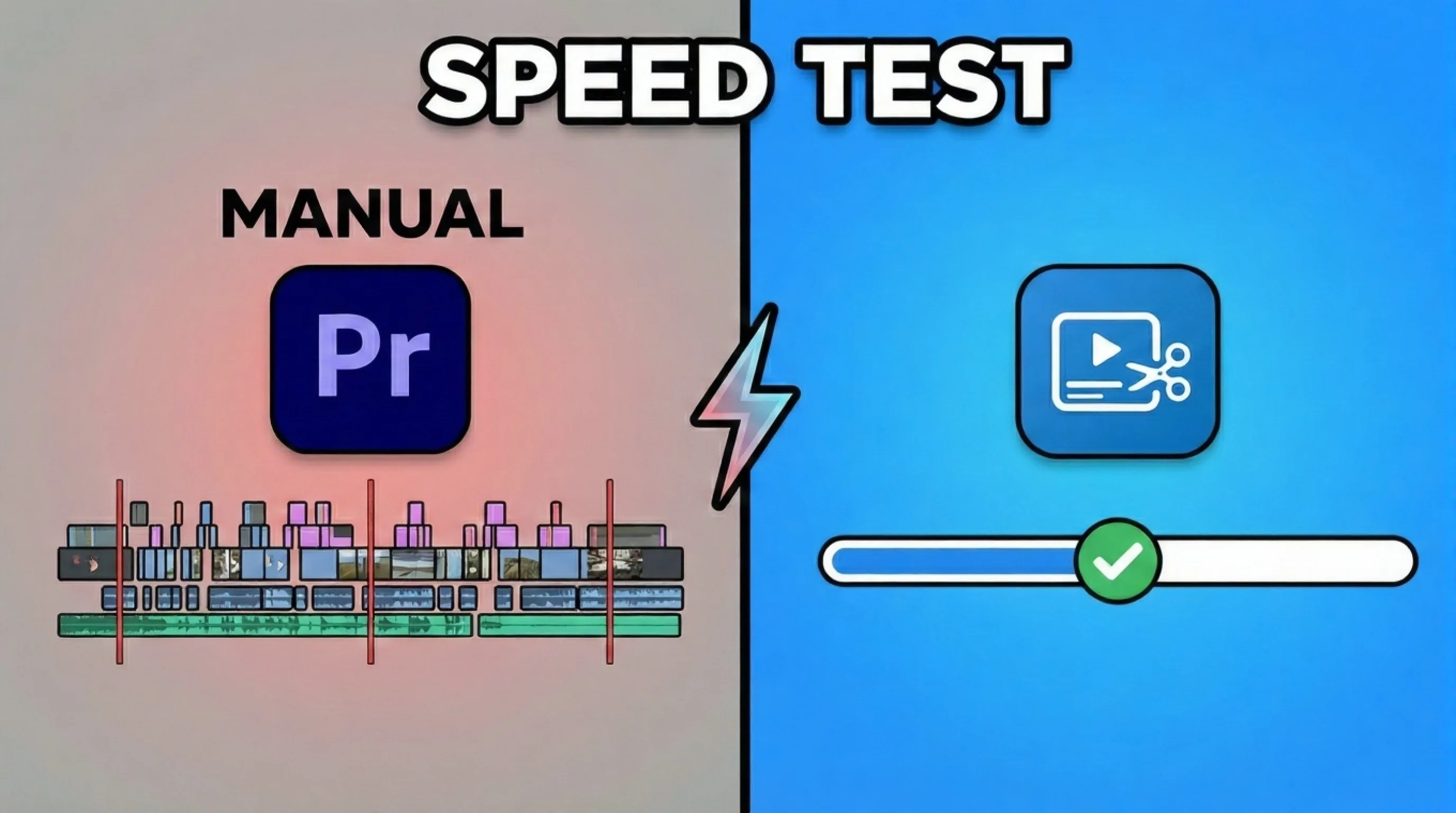
We tested manual silence removal in Premiere Pro against AI-powered BlitzCut. AI silence removal is 9x faster: 45 minutes vs 5 minutes. See the full breakdown.


We ran an experiment.
Same video. Same task. Two completely different approaches.
Manual vs AI editing. Which one wins?
The results weren't even close.
Key Takeaway: AI silence removal is 9x faster than manual editing. A 28-minute video took 45 minutes to edit manually in Premiere Pro, but only 5 minutes with BlitzCut's AI.
The Experiment
We wanted to answer a simple question: how much time does AI silence removal actually save compared to traditional editing?
To find out, we took a real piece of content and edited it both ways.
The Test Video
- Length: 28 minutes of raw podcast footage
- Content: Interview-style talking head
- Silence percentage: Approximately 35% dead air
- Audio quality: Good (clear speech, minimal background noise)
This is typical of what creators deal with daily. Raw footage full of pauses, "umms," and dead air that needs to be cut.
The Methods
Manual Test: Adobe Premiere Pro
- Industry-standard editing software
- No plugins or automation
- Editing performed by someone with 3+ years of experience
AI Test: BlitzCut
- AI-powered automatic silence detection
- Mobile-first workflow
- No prior experience needed
Same starting point. Same end goal. Let's see what happened.
Manual Editing: The Premiere Pro Experience
I loaded the 28-minute video into Premiere Pro and started the process everyone knows too well.
The Workflow
- Import video to timeline
- Play footage
- Watch for silence
- Stop playback when dead air starts
- Position playhead precisely
- Press 'C' to cut
- Find where speech resumes
- Make another cut
- Delete the silent clip
- Drag timeline to close the gap
- Repeat
The Reality
After 10 minutes, my wrist was already tired. Wrist fatigue is real.
The constant play-pause-cut-delete rhythm is physically demanding. You're making micro-movements with the mouse hundreds of times.
By minute 20, I'd lost count of how many cuts I'd made. Definitely over 150.
The tedium was crushing. Every few minutes felt the same. Find silence. Cut. Delete. Drag. Find silence. Cut. Delete. Drag.
I caught myself checking how much video was left multiple times. It felt endless.
The Results
Total editing time: 45 minutes
That's nearly 50 minutes to edit 28 minutes of footage. Almost 2:1 editing to content ratio.
And this was with an experienced editor. Someone new to Premiere Pro would take longer.
What Manual Editing Cost
If I value my time at $50/hour, that 45-minute editing session cost me approximately $37.50 in labor.
For one video.
If I did this daily? That's $273/week. Over $1,000/month. Just on removing silence.
AI Editing: The BlitzCut Experience
Next, I loaded the same raw footage into BlitzCut to test AI silence removal.
The Workflow
- Open BlitzCut
- Import the video
- Wait for AI analysis
- Review suggested cuts (optional)
- Export
That's it. Five steps.
The Reality
The video imported quickly. BlitzCut's AI immediately started analyzing the audio waveform.
I watched the progress indicator. Within about 20 seconds, it had identified every silence point in the entire 28-minute video.
The preview showed clean cut points. Speech started, speech ended, next clip began. No dead air.
I could have reviewed each cut individually. The option was there. But the automatic detection looked accurate, so I just hit export.
The Results
Total editing time: 5 minutes
Import to export. A fraction of the manual time.
The AI identified 167 silence points and created clean cuts at each one. The same work that took me 45 minutes manually.
What AI Editing Cost
5 minutes at $50/hour is approximately $4.17 in labor.
For the same result.
Side-by-Side Comparison
| Metric | Manual (Premiere Pro) | AI (BlitzCut) |
|---|---|---|
| Total time | 45 minutes | 5 minutes |
| Cuts made | ~160 (lost count) | 167 |
| Physical effort | High (wrist fatigue) | None |
| Attention required | Constant | Minimal |
| Cost at $50/hr | $37.50 | $4.17 |
| Experience needed | 3+ years | None |
BlitzCut was 9x faster.
Not 2x. Not 5x. Nine times faster.
The Quality Check
Speed means nothing if the quality suffers. So I compared the outputs.
Accuracy
The AI detected 167 silence points. When I manually edited, I made approximately 160 cuts (I lost exact count around cut 140).
The AI actually found more silence than I did manually. My eyes and attention were fatiguing. The AI doesn't fatigue.
Cut Precision
Both methods produced clean cuts. Speech wasn't chopped mid-word. Pauses were removed cleanly.
The AI's timing was actually more consistent. Manual cuts vary slightly based on reaction time and attention.
Final Output
Watching both edited videos back to back? Essentially identical.
Same pacing. Same energy. Same result.
One took 45 minutes. One took 5 minutes.
What This Means for Creators
Let's scale these numbers to real creator workflows.
Daily Posting
If you post one talking-head video daily:
Manual editing:
- 45 minutes/day × 7 days = 5.25 hours/week
- Monthly: 21+ hours
- Yearly: 252+ hours (that's over 10 days of your life)
AI editing:
- 5 minutes/day × 7 days = 35 minutes/week
- Monthly: 2.5 hours
- Yearly: 30 hours
Time saved: 222 hours per year
The Money Math
At $50/hour, manual editing costs you $12,600/year in labor.
At $50/hour, AI editing costs you $1,500/year in labor.
Savings: $11,100 per year - just on silence removal.
That's before you factor in what you could DO with those 222 hours. Create more content. Build your business. Actually live your life.
Why This Difference Exists
Manual editing is bottlenecked by human limitations:
- Attention: You have to watch every second of footage
- Reaction time: Finding exact cut points takes milliseconds each time
- Fatigue: Quality degrades as you get tired
- Monotony: The repetitive task drains motivation
AI has none of these limitations.
It analyzes the entire audio file in parallel. Cut points are identified algorithmically. There's no fatigue, no attention lapses, no reaction time delay.
The AI does in 5 minutes what takes a human 45 minutes because it's not constrained by human bottlenecks.
This isn't AI being "smarter." It's AI being better suited for this specific task.
When Manual Editing Still Makes Sense
I'll be fair. There are scenarios where manual editing wins:
- Creative editing: If you're making artistic choices about pacing
- Complex narratives: When silence serves a storytelling purpose
- Non-talking content: B-roll, music videos, cinematic content
- Precise control: When you need frame-perfect cuts for specific reasons
For these use cases, remove silence from video Premiere Pro style editing makes sense. The software gives you total control.
But for talking-head content where you just need dead air removed?
Manual editing is a waste of your most valuable resource: time.
The Future of Editing
This test crystallized something important.
We're at an inflection point. Tasks that used to require hours of skilled labor can now be automated in seconds.
AI silence removal isn't replacing editors. It's freeing them.
Instead of spending 45 minutes on tedious cut-delete-drag work, you can spend that time on creative decisions. Storytelling. Strategy. The stuff that actually moves the needle.
The tedium is automated. The creativity stays human.
If you want to understand why this matters, check out our guide on how to jump cut video automatically. Jump cuts (removing silence) are essential for social media success.
Looking for more options? See our comparison of the best apps to remove silence from video automatically.
Try It Yourself
Don't take my word for it. Run your own test.
Take a raw talking-head video. Time yourself editing silence manually. Then run the same video through BlitzCut.
The numbers will speak for themselves.
BlitzCut processes silence removal 9x faster than manual editing. That's not marketing speak. That's what we measured.
Download BlitzCut and see how much time you've been leaving on the table.
45 minutes or 5 minutes. The choice is obvious.
Frequently Asked Questions
Is AI silence removal as accurate as manual editing?
In our test, the AI actually identified more silence points (167) than manual editing (~160). The AI doesn't fatigue or lose focus. For talking-head content, AI accuracy matches or exceeds manual editing.
Can I still make manual adjustments after AI editing?
Yes. BlitzCut lets you review AI-suggested cuts before exporting. You can keep specific pauses, adjust the silence threshold, or fine-tune individual cuts. The AI does the heavy lifting; you maintain control.
Does AI work with poor audio quality?
AI silence detection works best with clear audio. Background noise or music can affect accuracy. For standard talking-head content with decent microphone quality, accuracy is 95%+.
Should I still learn manual editing?
Yes. Manual editing skills are valuable for creative work, complex projects, and situations requiring precise control. But for routine tasks like removing silence? Let AI handle it and save your skills for creative decisions.
How does BlitzCut compare to other AI tools?
BlitzCut is optimized specifically for talking-head content on mobile. Other tools like Descript (desktop) or VEED (browser) offer similar features but different workflows. For mobile-first creators making social content, BlitzCut is the fastest option.
For more on removing silence efficiently, check out our complete guide on how to remove silence from video automatically.
Post every day without spending hours editing
BlitzCut is a native app for iPhone, iPad, and Mac. Get from raw footage to TikTok-ready in under 2 minutes, so editing is never the reason you didn't post.
Try it for freeRelated Articles
Keep Reading

What Font Does TikTok Use? (2026 Answer)
TikTok uses TikTok Sans, open-sourced in July 2025 and free to download. Before that, Proxima Nova — still the app's Classic text option. History and license.

What Makes a Reel Hook Go Viral? (2026 Breakdown)
Viral Reel hooks are a mechanism, not clever writing. What Instagram measures in the first three seconds, and what every hook that travels has in common.

YouTube Shorts Length Limits (2026): Maximum Length and What Counts as a Short
YouTube Shorts can be up to 3 minutes long in 2026. What qualifies as a Short, the aspect ratio rule, and why longer Shorts don't always perform better.